
Gorilla Glass for Industrial Touchscreens: Balancing Durability, Touch Performance, and Cost
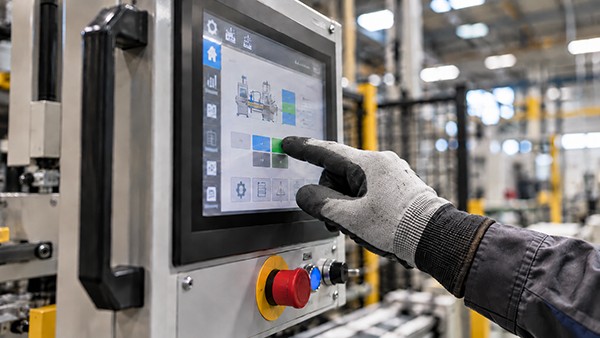
An industrial touchscreen may be used hundreds of times per shift. Operators might wear gloves, work under bright overhead lights, or use the screen close to tools and moving equipment. The front glass has to do more than look clear on day one: it must remain usable throughout the product's service life.
That makes the cover glass a design decision—not just a purchasing item. Gorilla Glass can be a strong candidate for industrial human-machine interfaces (HMIs), handheld terminals, and premium control panels. But the right choice depends on the device's operating conditions, touch technology, mechanical design, and budget. For some machines, another cover-glass material will be entirely sufficient.
Quick answer: Gorilla Glass is worth evaluating when an industrial touchscreen needs a thin, damage-resistant front surface and faces repeated handling or meaningful impact risk. It is not automatically the best value for a protected, fixed installation. The decision should be based on the equipment's operating conditions, touch-stack compatibility, assembly design, and validated lifetime cost.
The cover glass is the protective outer layer above a touchscreen or display—not the touch sensor itself. This distinction matters because durable glass does not, by itself, guarantee reliable touch operation.
This guide explains what equipment engineers and OEM buyers should evaluate before choosing Gorilla Glass for an industrial touchscreen.
When Does an Industrial Touchscreen Need Gorilla Glass?
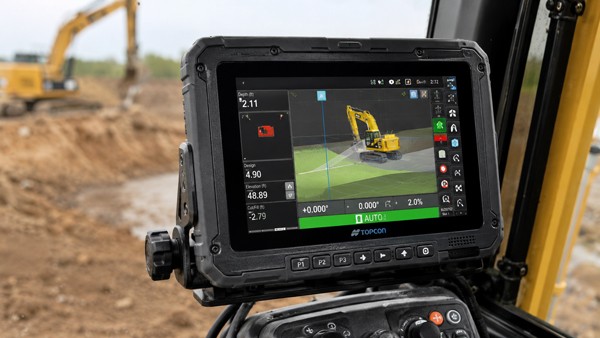
Two touchscreens of the same size can have very different requirements. A wall-mounted controller in a clean plant sees a different risk profile from a portable scanner carried across a warehouse. Before selecting a glass type, define how the device will be used.
Start with the foreseeable hazards: frequent finger contact, abrasive dust, contact with hand tools, accidental impacts, cleaning chemicals, moisture, and temperature changes. Then consider how the touchscreen is mounted. A large exposed glass area, a thin frame, or insufficient edge support may change how the assembly responds to mechanical stress.
The most useful question is not “Is Gorilla Glass stronger?” but “Which failures are we trying to prevent, and how will we verify that the finished device meets its requirements?” That question keeps material selection tied to actual performance instead of a brand specification alone.
What Gorilla Glass Can—and Cannot—Improve
Surface Durability During Repeated Use
Gorilla Glass is a family of chemically strengthened cover-glass materials designed for damage resistance. Its ion-exchange strengthening process creates compressive stress near the glass surface, helping the glass resist damage that can initiate cracks [1]. Exact performance varies by glass generation, thickness, surface condition, and test method.
For a frequently operated HMI, this may be valuable where routine contact or handling could leave visible scratches or small defects. Better resistance to damage may help preserve the viewing area and reduce the likelihood that minor surface flaws become serious problems. It does not make the screen scratch-proof or unbreakable.
Thin-Glass Design Opportunities
A thinner cover can be attractive when the bezel depth, overall weight, or stack height is tightly controlled. Gorilla Glass offers thin material options, but “thinner” should never be treated as automatically “better.” The acceptable thickness depends on unsupported span, glass geometry, mounting method, the touch sensor, and required impact performance.
A thin glass sample that passes a material test may behave differently once bonded or clamped into a real enclosure. Evaluate the assembled screen—not only a loose glass coupon.
The Limits of Material Selection
Glass often breaks after a concentrated impact or when stress develops around a damaged edge, opening, or mounting point. Chemical strengthening improves resistance to certain damage mechanisms, but it does not cancel poor mechanical design. Edge protection, frame stiffness, adhesive selection, and realistic impact tests remain important.
Does Gorilla Glass Affect Touchscreen Sensitivity or Glove Use?
A common purchasing question is whether Gorilla Glass will make an industrial touchscreen more or less responsive. The short answer is that the glass brand alone does not determine touch sensitivity.
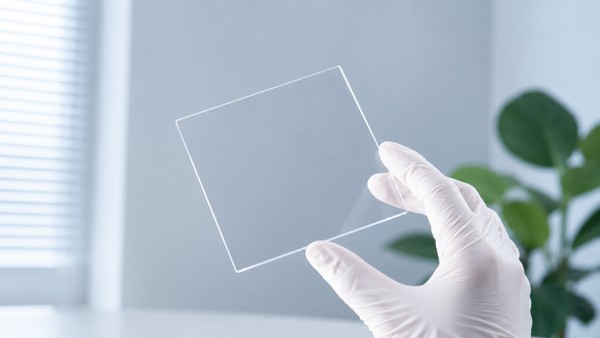
With projected capacitive (PCAP) touch technology, the cover glass acts as a dielectric layer between the finger and the touch sensor. Cover thickness, sensor geometry, controller capability, bonding construction, and electrical noise all influence performance. Touch-controller design guidance treats the cover material and mechanical stack as part of the sensor design [2].
This is particularly important for glove operation. A capacitive screen can be engineered to work with certain gloves, but results depend on glove thickness and material, controller settings, signal margin, and the working environment. Water droplets, condensation, and electrical interference can also affect performance. It is not technically sound to promise “glove-compatible Gorilla Glass” without testing the intended touch module.
For the OEM team, the practical approach is straightforward: agree on a representative glass thickness early, build the intended sensor-and-controller stack, and test the actual gloves, cleaning conditions, and operating environment. A highly durable cover has limited value if operators cannot use the interface reliably.
How Do You Reduce Glare and Keep an Industrial Display Readable?
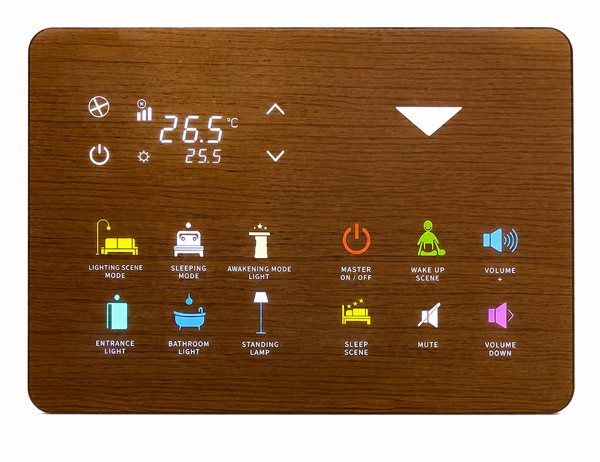
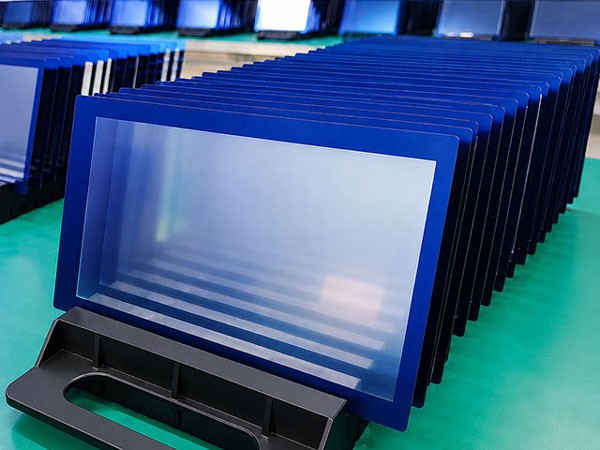
Even optically clear cover glass can reflect bright factory lighting. The result may be a washed-out display or distracting reflections in the operator's line of sight. Readability should therefore be judged as part of the entire display assembly: cover glass, coatings, air gaps or bonding layers, display brightness, and viewing angle.
Three surface-treatment terms are worth distinguishing:
Anti-glare (AG): Diffuses sharp reflections to make overhead lights less distracting. Depending on surface texture and display resolution, AG can also introduce haze or visible sparkle.
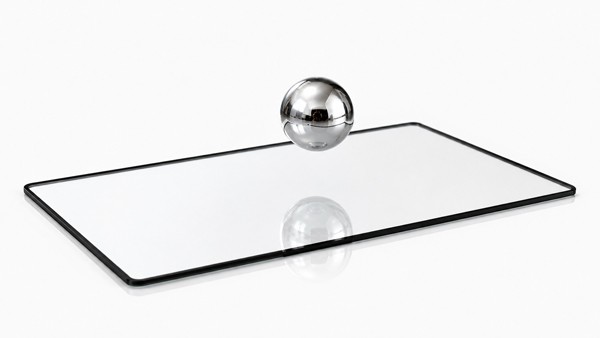
Anti-reflective (AR): Reduces reflected light at the treated surface, which can improve apparent contrast and readability under strong ambient lighting.
Anti-fingerprint (AF): Helps limit visible smudges or makes oils easier to remove. It is a maintenance feature, not a substitute for chemical-cleaning compatibility tests.
For practical examples of these separate treatment options, see GelivableGlass's anti-glare glass, anti-reflective glass, and anti-fingerprint glass pages. Each treatment must be assessed for compatibility with the chosen substrate, finished device, and cleaning requirements.
AG, AR, and AF are not inherent to every sheet of Gorilla Glass; they depend on the selected finish or coating. AG diffuses reflected light, while AR reduces reflections through optical coating design; the two treatments address different visibility concerns [3]. For industrial equipment, request samples and review the screen under the lighting conditions of the final installation. A finish that looks excellent in an office can behave differently beneath strong factory LEDs.
Is Gorilla Glass Worth the Extra Cost for an OEM?
Gorilla Glass may carry a material premium over some alternative cover glasses. The meaningful comparison, however, is not simply the price per sheet. It is the cost of achieving the equipment's required durability, touch response, appearance, and useful life.
For example, a damaged screen on a machine used continuously may mean a service visit, replacement parts, a technician's time, and production interruption. A handheld terminal may have different priorities: repair frequency, operator handling, weight, and exposure to hard surfaces. If an alternative glass meets the same validated requirements, paying more for a branded material may provide little additional business value.
A practical cost review should consider the full finished assembly, including coatings and bonding, expected order volume, qualification testing, replacement strategy, and potential downtime. Avoid converting a laboratory scratch or drop result into an unsupported claim about years of service life. Testing should reflect the end product's risks.
Which Industrial Touchscreen Applications Benefit Most?
| Equipment Scenario | Decision Priority | Practical Direction |
|---|---|---|
| Frequently used industrial HMI | Repeated contact, readability, stable touch | Evaluate Gorilla Glass if surface durability and a slim cover are meaningful; validate glare and glove use separately. |
| Portable industrial terminal | Handling wear, impact exposure, weight | Shortlist damage-resistant thin glass, then run device-level drop and edge-impact tests. |
| Premium control interface | Appearance, display clarity, long-term finish | Compare optical finishes and surface wear alongside material price. |
| Protected fixed display in a controlled room | Moderate wear, tight budget | A qualified alternative cover glass may satisfy the specification at lower cost. |
The table is a starting point, not a material approval. A large HMI near abrasive particles may need special consideration even if it never moves. Conversely, a portable device with a deep protective bezel may have a very different risk profile from a flush-mounted one.
What Should OEMs Test Before Approving Cover Glass?
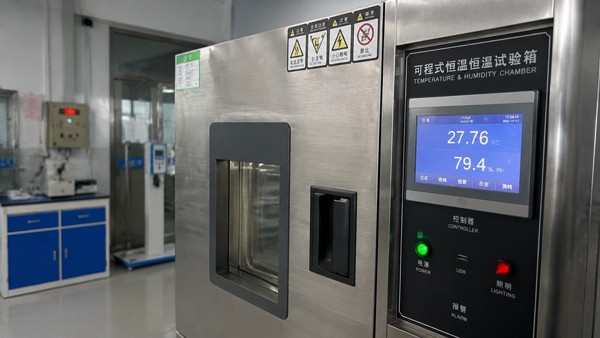
A material datasheet is a starting point, not an approval for the finished touchscreen. Agree on pass/fail criteria before the sample build, and test the assembly with the intended enclosure, controller, adhesives, and coatings. The five checks below help connect common device failures to measurable evidence.
| Risk to Manage | Check on the Finished Device | Why It Matters |
|---|---|---|
| Surface wear | Scratches, abrasion and cleanability after representative handling | Visible marks may affect readability and perceived quality. |
| Impact and edges | Defined impact/drop scenarios, edge protection and mounting stresses | Assembly details can dominate fracture risk. |
| Touch operation | Bare fingers, specified gloves, moisture and electrical noise | Touch depends on the complete sensor/controller stack. |
| Optical usability | Readability with real factory lighting and normal viewing angles | An optical finish can solve one reflection problem while creating another. |
| Service conditions | Cleaning chemistry, temperature cycling and coating durability | The usable life of the finished surface matters more than a single laboratory result. |
Test methods and acceptance limits should be chosen for the device's actual duty cycle; do not present generic laboratory numbers as guaranteed field performance.
An OEM Cover-Glass Selection Checklist
Before releasing a cover-glass specification or requesting production quotations, align the engineering and purchasing teams on these questions:
Application and exposure: Where will the equipment operate, and what contact, impact, moisture, dust, and cleaning conditions should be expected?
Display and touch system: Is the interface PCAP or another technology? Must it work with gloves, water exposure, or a specified controller?
Dimensions and assembly: What are the viewing area, glass thickness target, edge support, bezel design, and bonding method?
Optical requirements: Are reflections, color appearance, readability, and fingerprints important enough to justify AG, AR, or AF treatments?
Reliability acceptance: Which scratch, impact, environmental, touch, and cleaning tests will the finished device need to pass?
Supply and cost: Which glass grade is available, what is the approved alternative, and how do volume and replacement costs affect the decision?
Prototype plan: Can the proposed materials be compared in representative assemblies before final qualification?
This checklist does not replace an engineering drawing or test plan. It makes the first supplier discussion more efficient and reduces the chance that teams discover a critical requirement after a material has already been selected.
Frequently Asked Questions
Does Every Industrial Touchscreen Need Gorilla Glass?
No. Equipment in controlled environments with modest wear and impact risk may perform well with another qualified glass material. Gorilla Glass becomes more compelling when the design benefits from a specific combination of damage resistance, thinness, and appearance. Compare candidates against the same device-level acceptance criteria rather than assuming a premium material is always necessary.
Can Gorilla Glass Work with Projected Capacitive Touchscreens and Gloves?
Yes, it can be used as a cover layer in PCAP touch assemblies. Glove performance, however, is a characteristic of the completed touch system—not a guarantee provided by the glass alone. Specify the glove types and conditions, then validate the chosen cover thickness, sensor, and controller together.
Is Thicker Gorilla Glass Always More Durable?
No. Thickness affects stiffness and can influence resistance to some loads, but performance also depends on glass grade, edge condition, support geometry, installation, and the type of impact. Greater thickness may also increase weight or complicate capacitive touch tuning. Select the thickness through a balance of structural, touch, and packaging requirements.
Are AG, AR, and AF Coatings Automatically Included with Gorilla Glass?
No. Gorilla Glass is a glass material family; anti-glare, anti-reflective, and anti-fingerprint treatments are separate design choices. Availability and compatibility depend on the selected material grade, coating process, and operating environment. Confirm the coating specification and cleaning requirements during prototype review.
Final Recommendation: Choose for the Equipment's Real Risks
For industrial touchscreen projects, Gorilla Glass deserves consideration when the equipment calls for good damage resistance in a thin, optically clear cover. Yet the best choice is the one that performs reliably in the finished device and makes commercial sense at the intended production volume.
Define the operating risks, compare suitable glass options, and test the full touchscreen assembly before committing to a material. If your project requires a finished Gorilla Glass cover component for an industrial display, review GelivableGlass's Gorilla Glass cover glass solutions to discuss the relevant design and production requirements.
Technical Sources
Corning, How It Works: Strengthening Glass — How It Works: Strengthening Glass
Microchip, AN2934: Capacitive Touch Sensor Design — AN2934: Capacitive Touch Sensor Design
Corning, Surface Impressions: Anti-Glare and Anti-Reflective Glass — Surface Impressions: Anti-Glare and Anti-Reflective Glass